Pay North Carolina Property Tax for a New Vehicle on myNCDMV
After logging in (see Create a Profile on myNCDMV), follow the steps below to pay property tax for a new vehicle on myNCDMV:
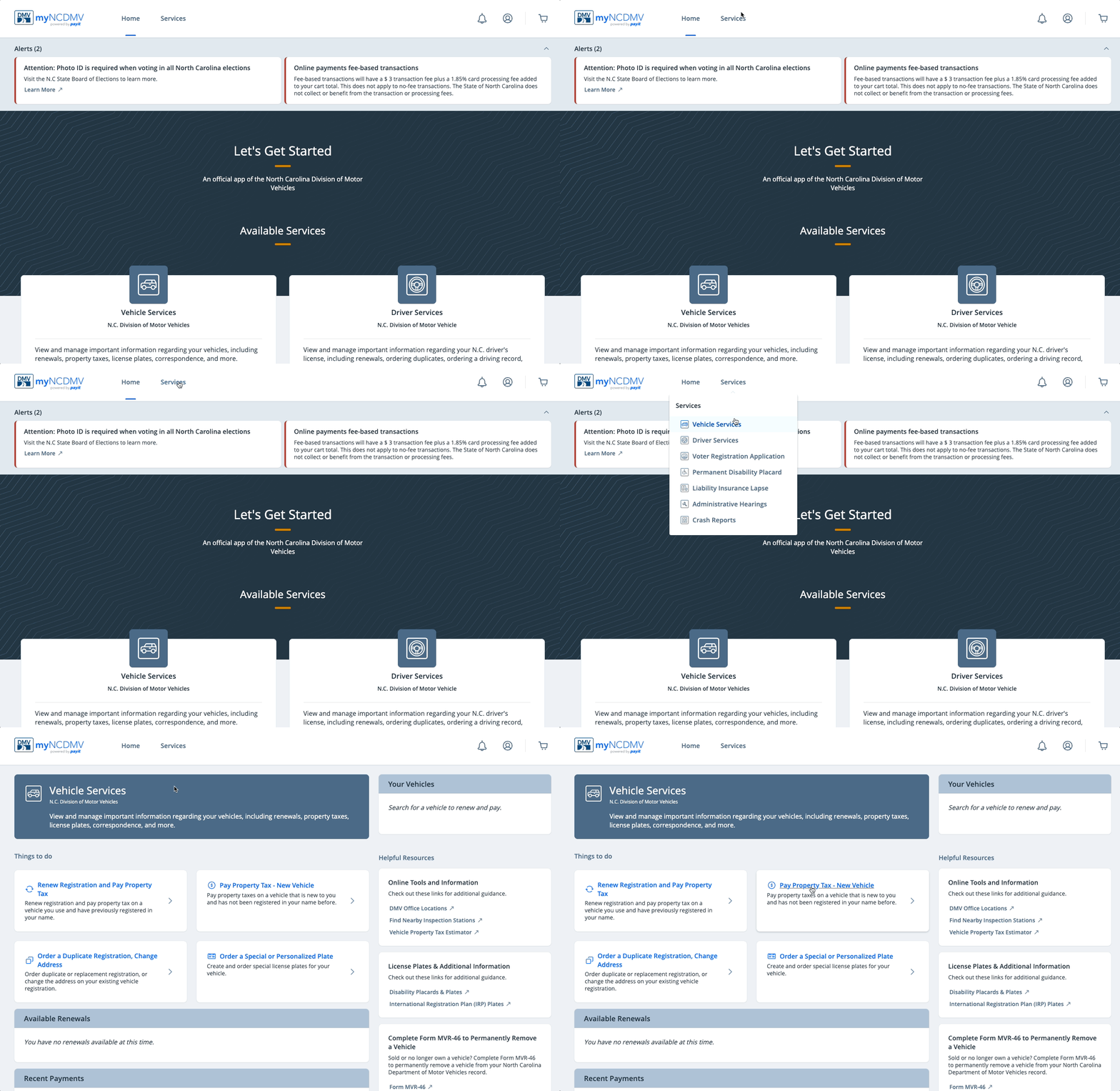
- Select Vehicle Servicesfrom the "Services" drop down menu and click Pay Property Tax - New Vehicle
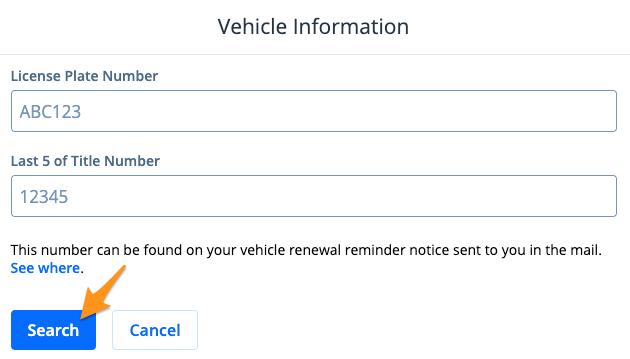
- Enter your Vehicle Information and click Search
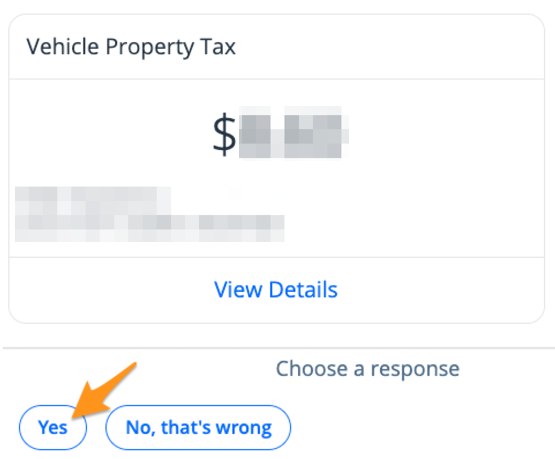
- The results of your search will be displayed. Click Yesto proceed.
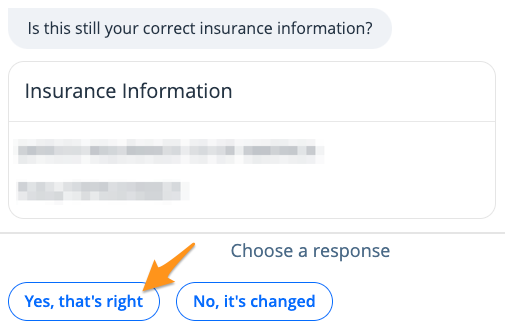
- Confirm your insurance information is correct by clicking Yes, that's right
- Click Add item to cart
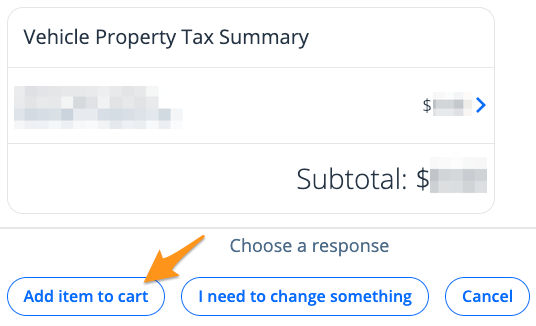
Note: Click I need to change something to update your address
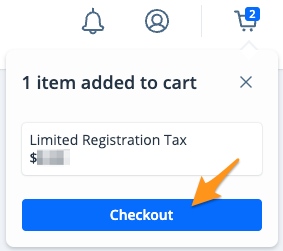
- On the cart notification, click Checkout
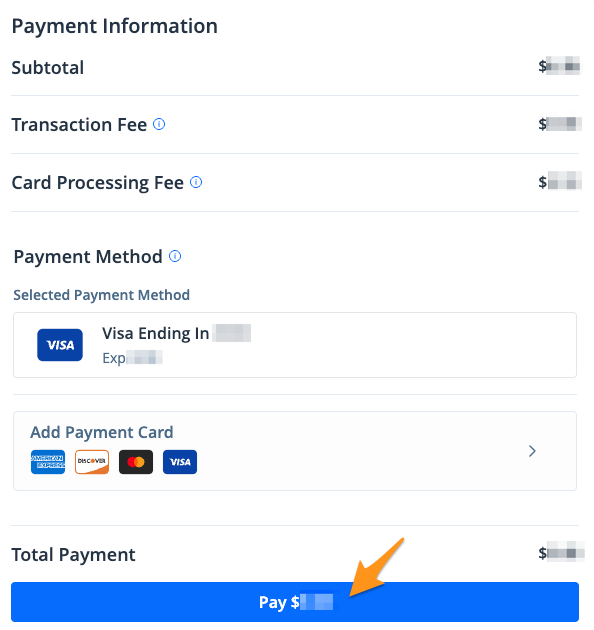
- Select a payment method and click the blue Pay $--.-- button to submit your payment
After your payment is completed, an email confirmation will be sent. Orders are processed and mailed by the NCDMV and generally ship within 7-14 business days. To confirm your mailing address or check the status of your shipment you can reach the NCDMV team by calling (919) 715-7000 or with this online form.
Related Articles: