Order a Duplicate North Carolina License or ID Card on myNCDMV
Skip the line and order a duplicate license or ID card on myNCDMV. After logging in (see Create a Profile on myNCDMV), follow the steps below to get started:
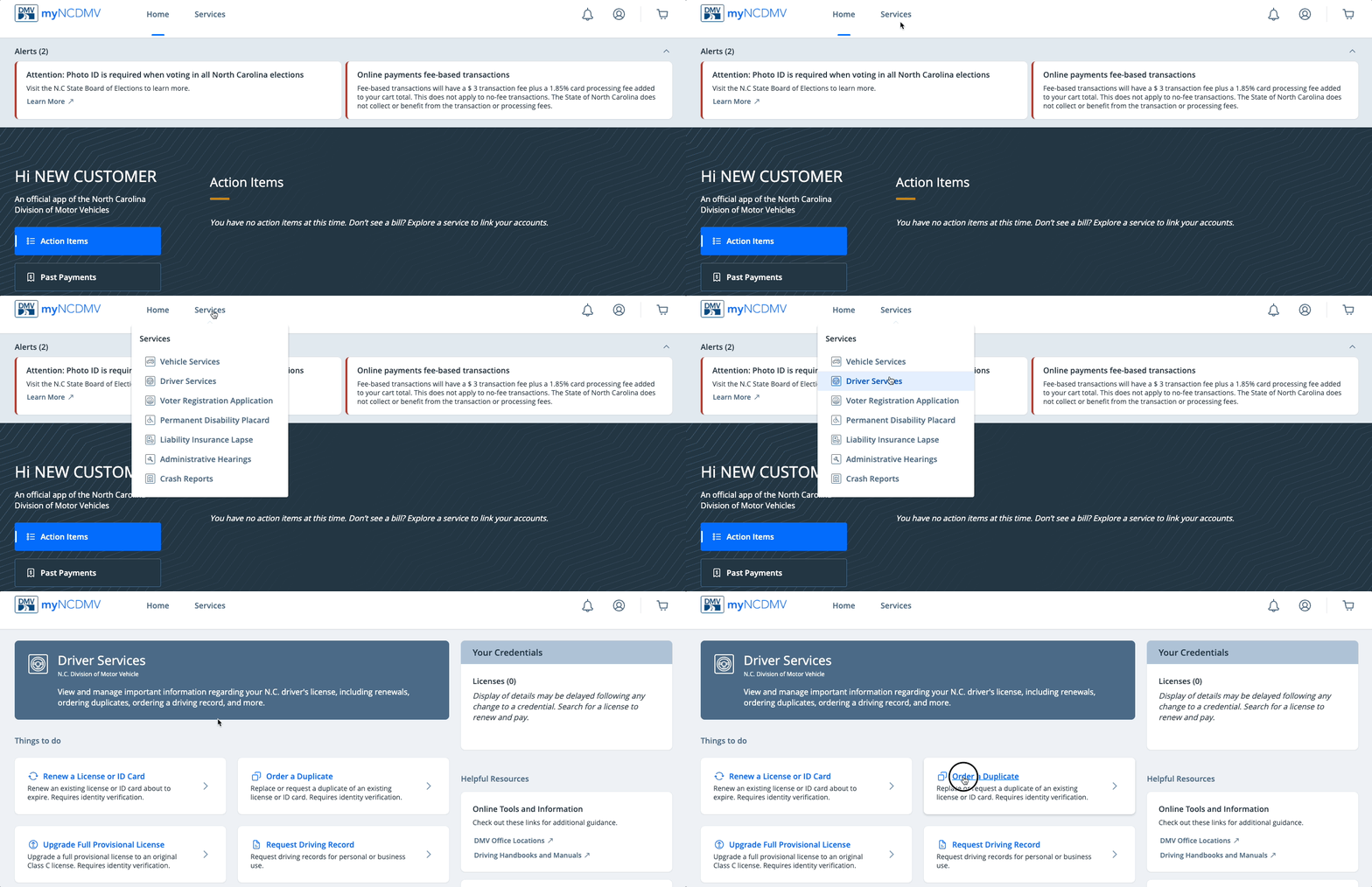
- Select Driver Services from the "Services" drop down menu and click Order a Duplicate
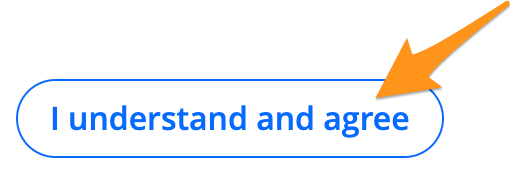
- Click I understand and agree to acknowledge the Duplicate Conditions
- Enter your credential information and click Search

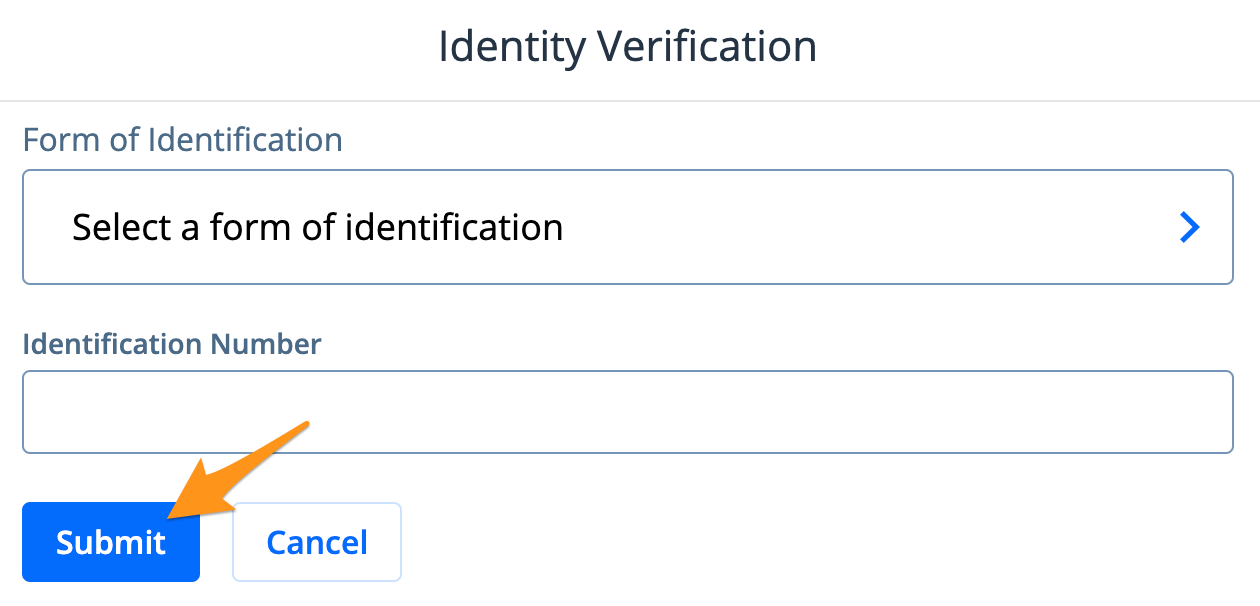
- Select and enter a form of identification then click Submit
-
Review the Credential Details and click Yes, that's my credential to proceed
-
Select Lost or stolen, Damaged or I need to update my address to confirm your reason for ordering a duplicate credential
-
Confirm your mailing address by clicking Yes, that's my mailing address. Select No, my mailing address changed to update your address.
Note: Address changes may require identity verification (see Identity Verification with MyNCID)
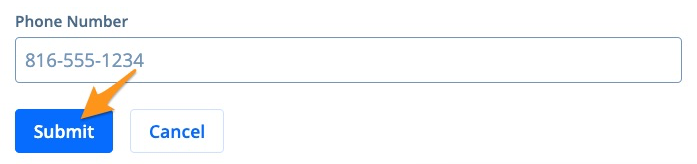
- Enter your Phone Number and click Submit
-
Make the appropriate selections for Organ Donation and Voter Registration
-
Review your Credential Details and click Looks good to proceed or select No, I need to change something to make an update
-
Click I understand to review your Payment Summary
-
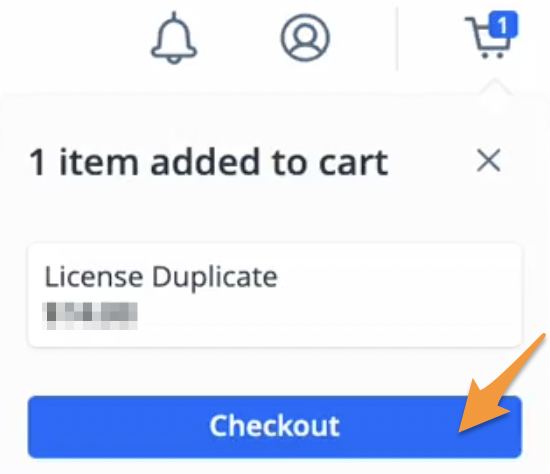
Select Add to cart then click*Checkout* on the cart notification
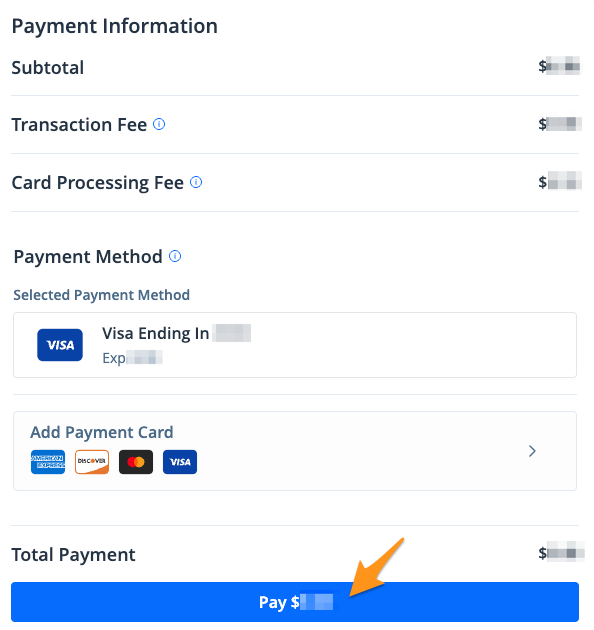
- Select a payment method and click the blue Pay $--.-- button to complete your payment
After your payment is completed, an email confirmation and Temporary Driving Certificate will be sent. Orders are processed and mailed by the NCDMV and generally arrive in 20 business days. To confirm your mailing address or check the status of your shipment you can reach the NCDMV team by calling (919) 715-7000 or with this online form.