Order a North Carolina Driving Record on myNCDMV
Need to order a driving record? Both certified and non-certified North Carolina driving records are available for immediate download on myNCDMV. After logging in (see Create a Profile on myNCDMV), follow the steps below to get started:
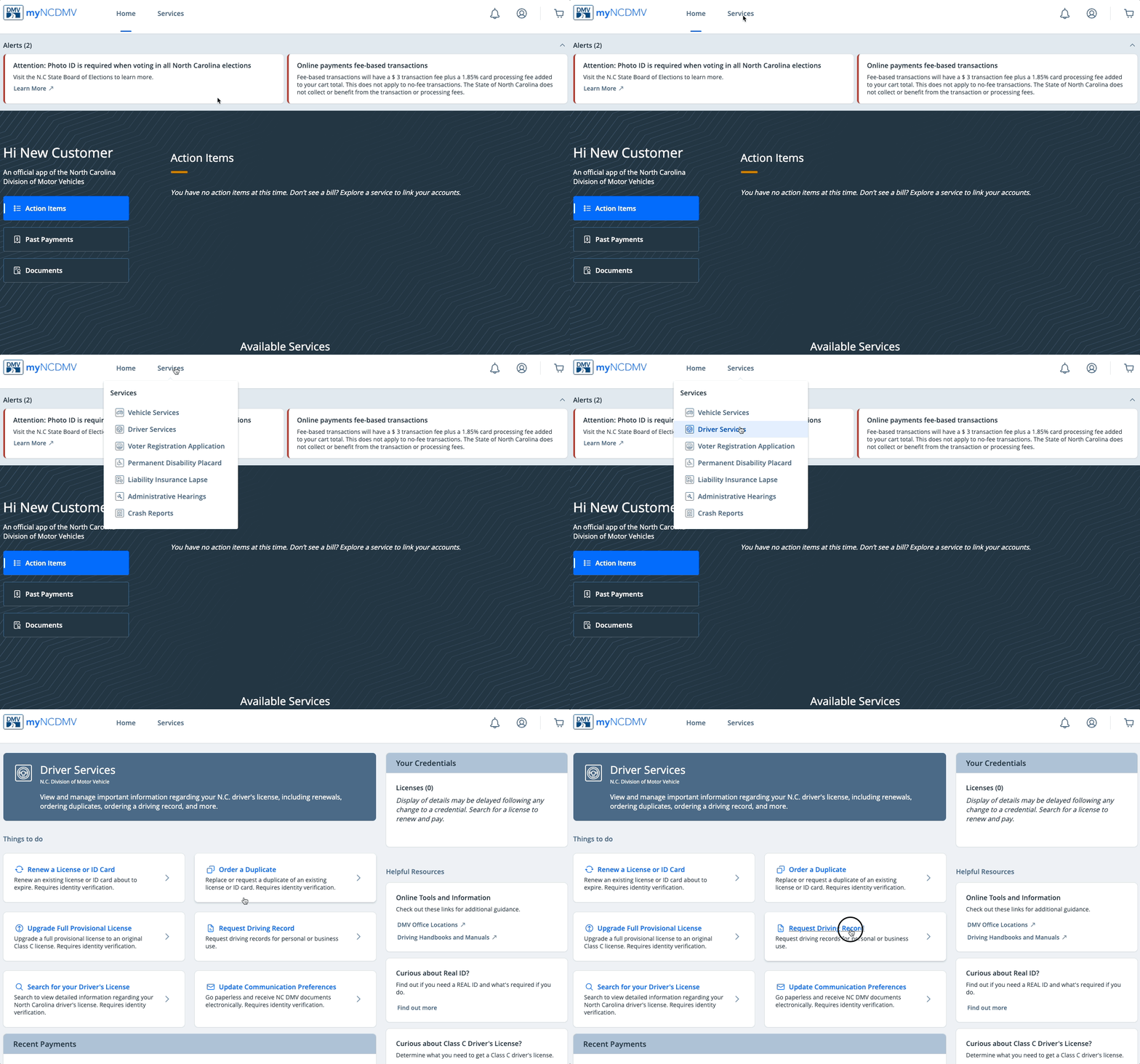
- Select Driver Services from the "Services" drop down menu and click Request Driving Record
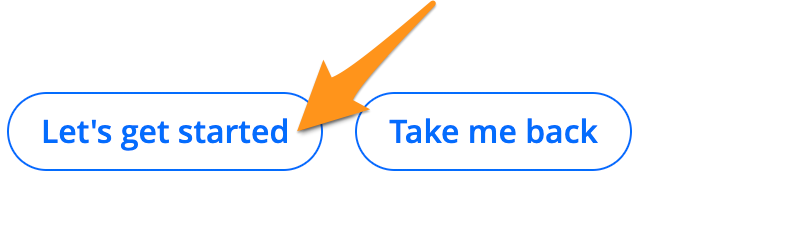
- Review the Requirements and Terms of Service, then click Let's get started
- Enter your Driver Information and click Submit
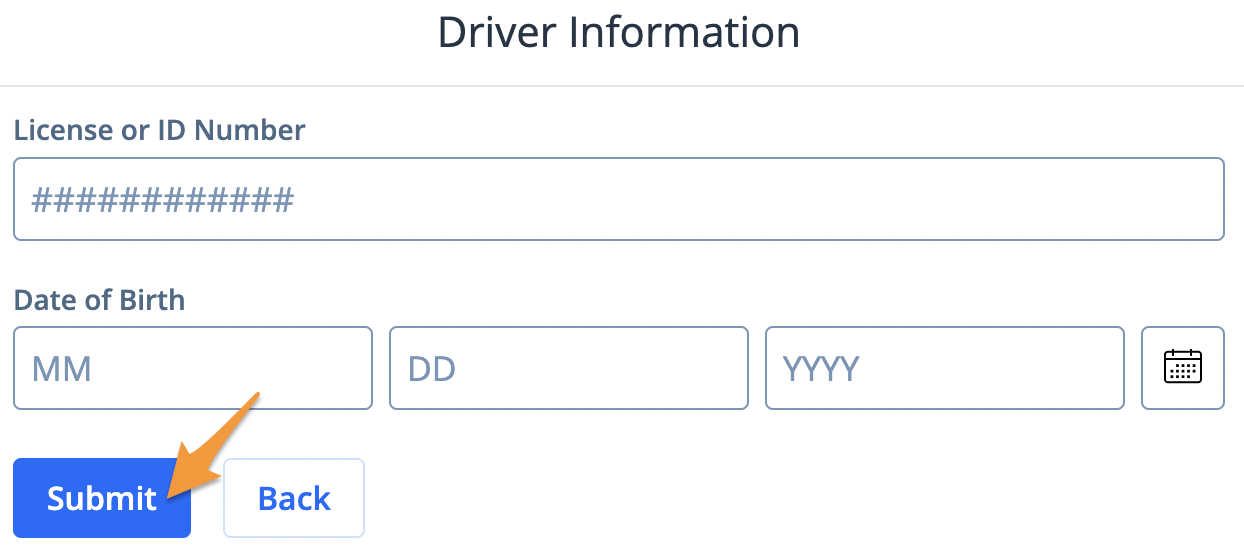
Note: This should be the License or ID Number and Date of Birth of the person requesting the record
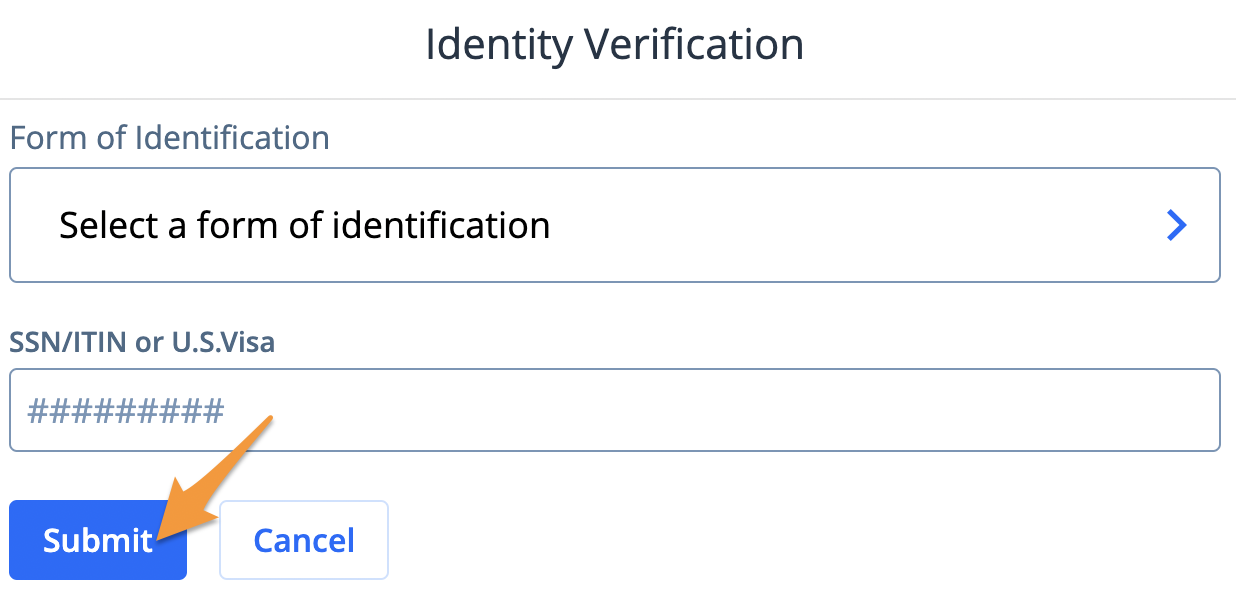
- Select and enter a form of identification then click Submit
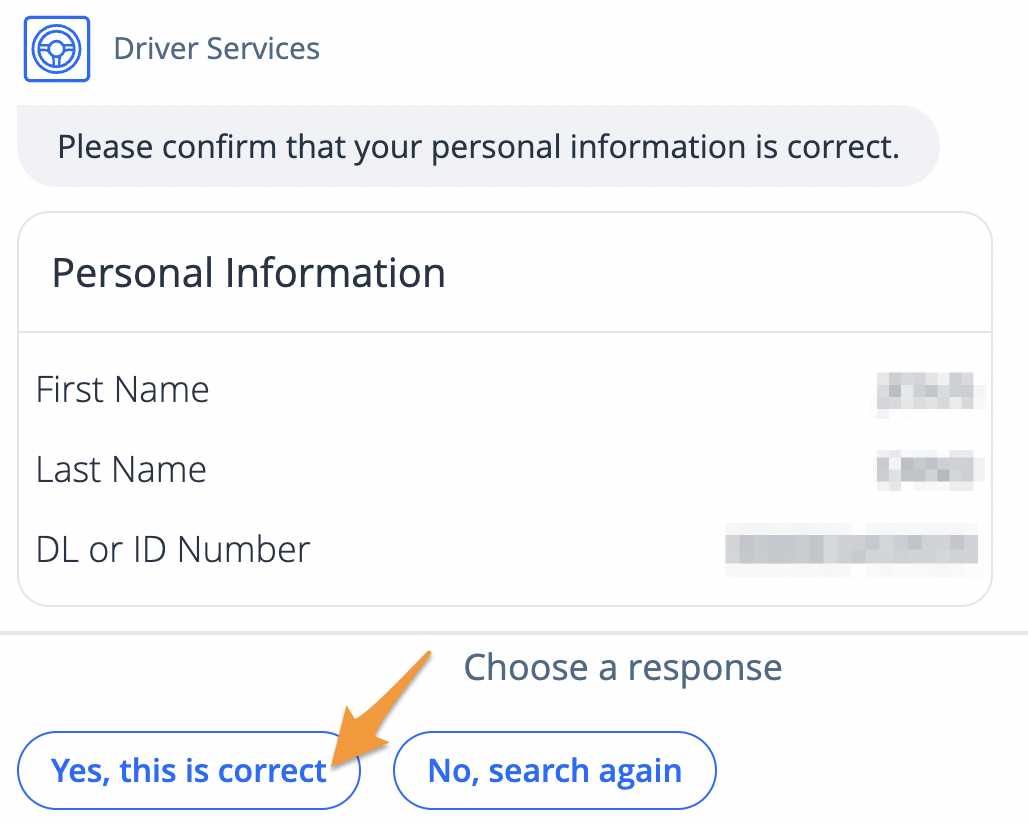
- Confirm your Personal Information is correct and click Yes, this is correct
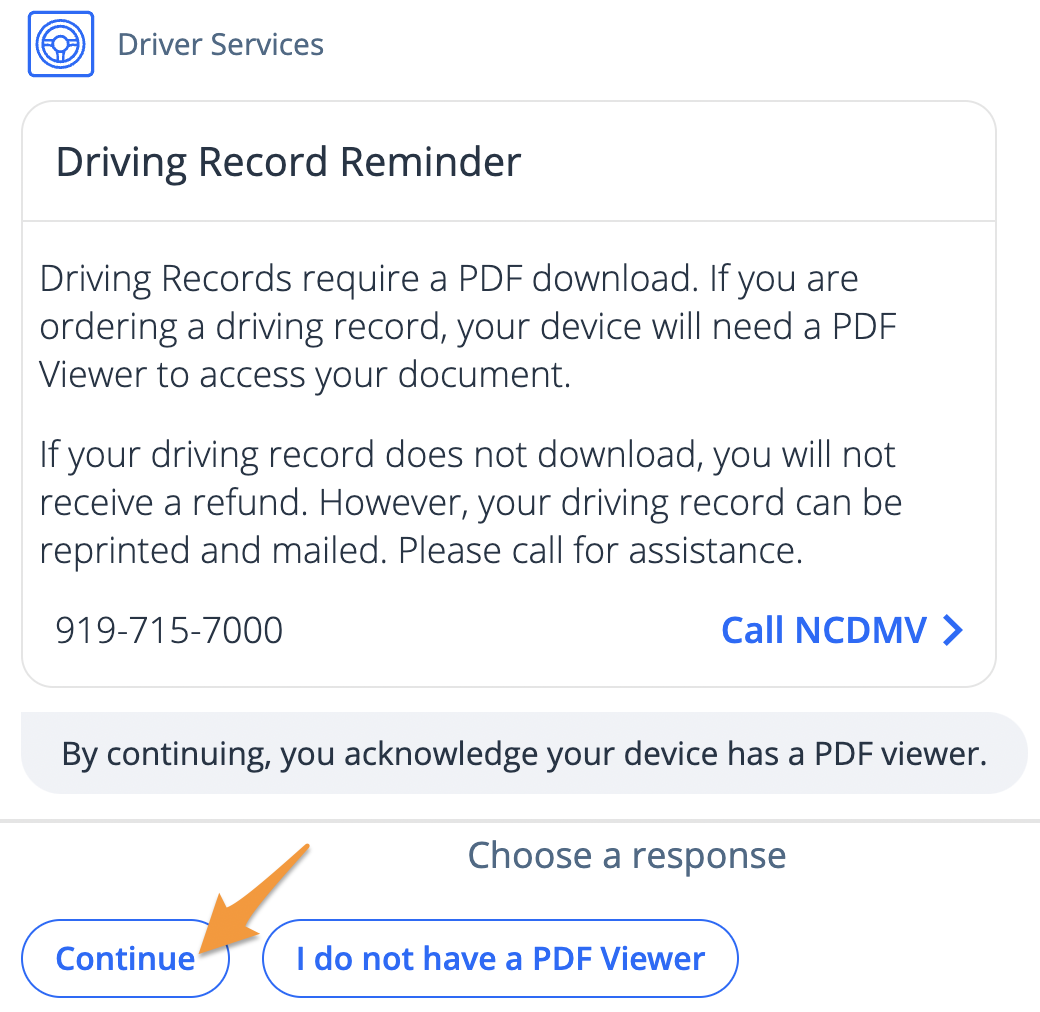
- Click Continue to acknowledge the Driving Record Reminder
- Select I am requesting my individual record

Note: To order a record for someone else, select I am a third party requesting record(s).
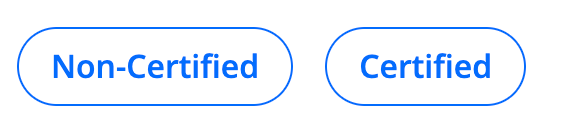
- Select a record type
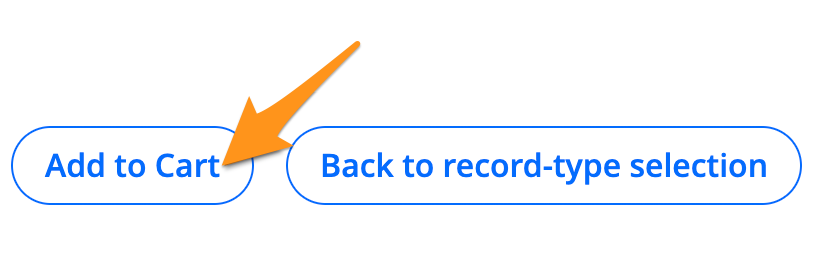
- Review the Payment Summary and click Add to Cart
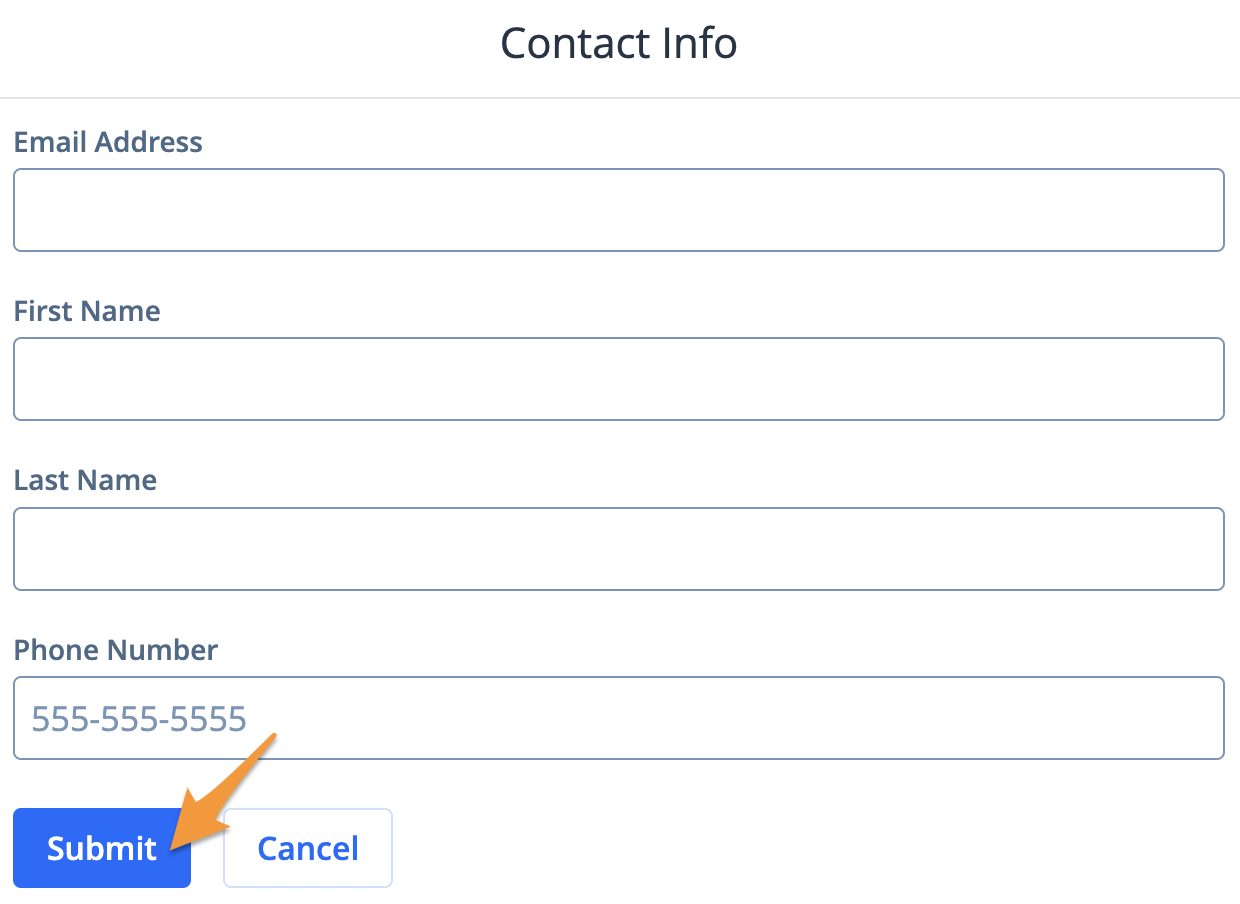
- Enter your Contact Information and click Submit
- Click Accept Terms of Service & DPPA

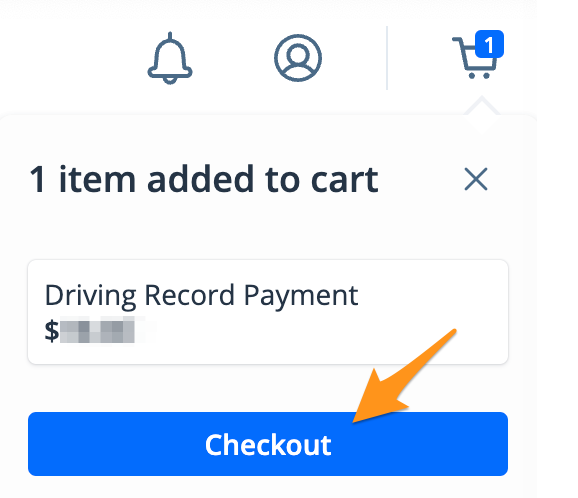
- Click*Checkout* on the cart notification
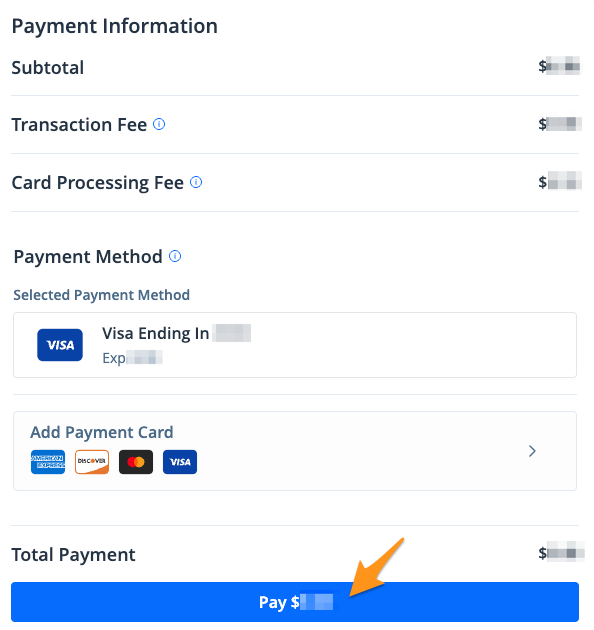
- Select a payment method and click the blue Pay $--.-- button to complete your payment
- Click Continue to exit the payment screen
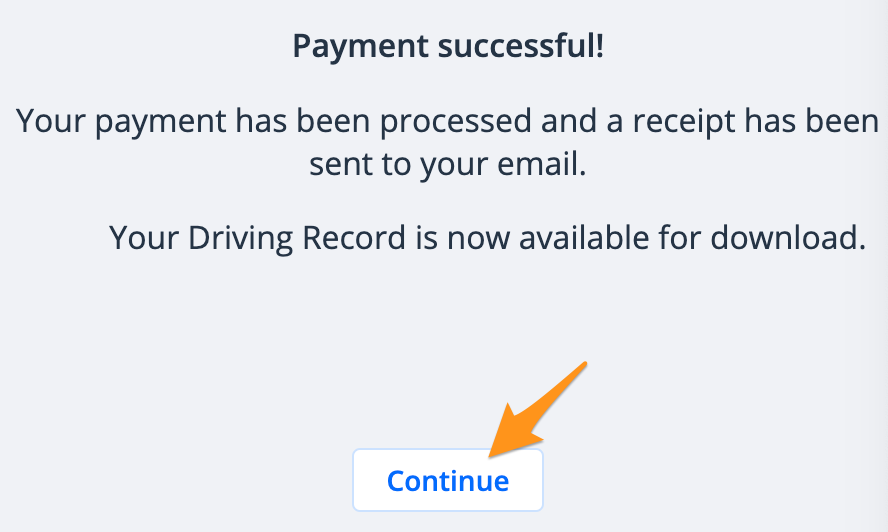
- Click Continue then click Continue again to proceed to your download
- Click Download Document to download your Driving Record
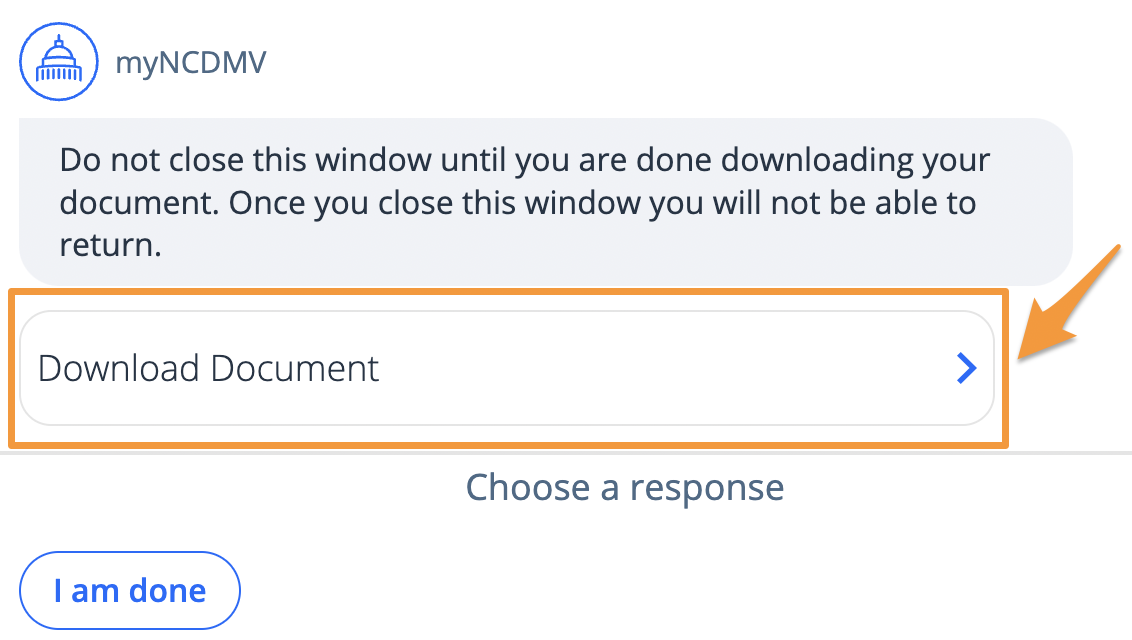
Note: Driving Record PDF documents can only be accessed from this screen. Do not close this window until you are done downloading your document.